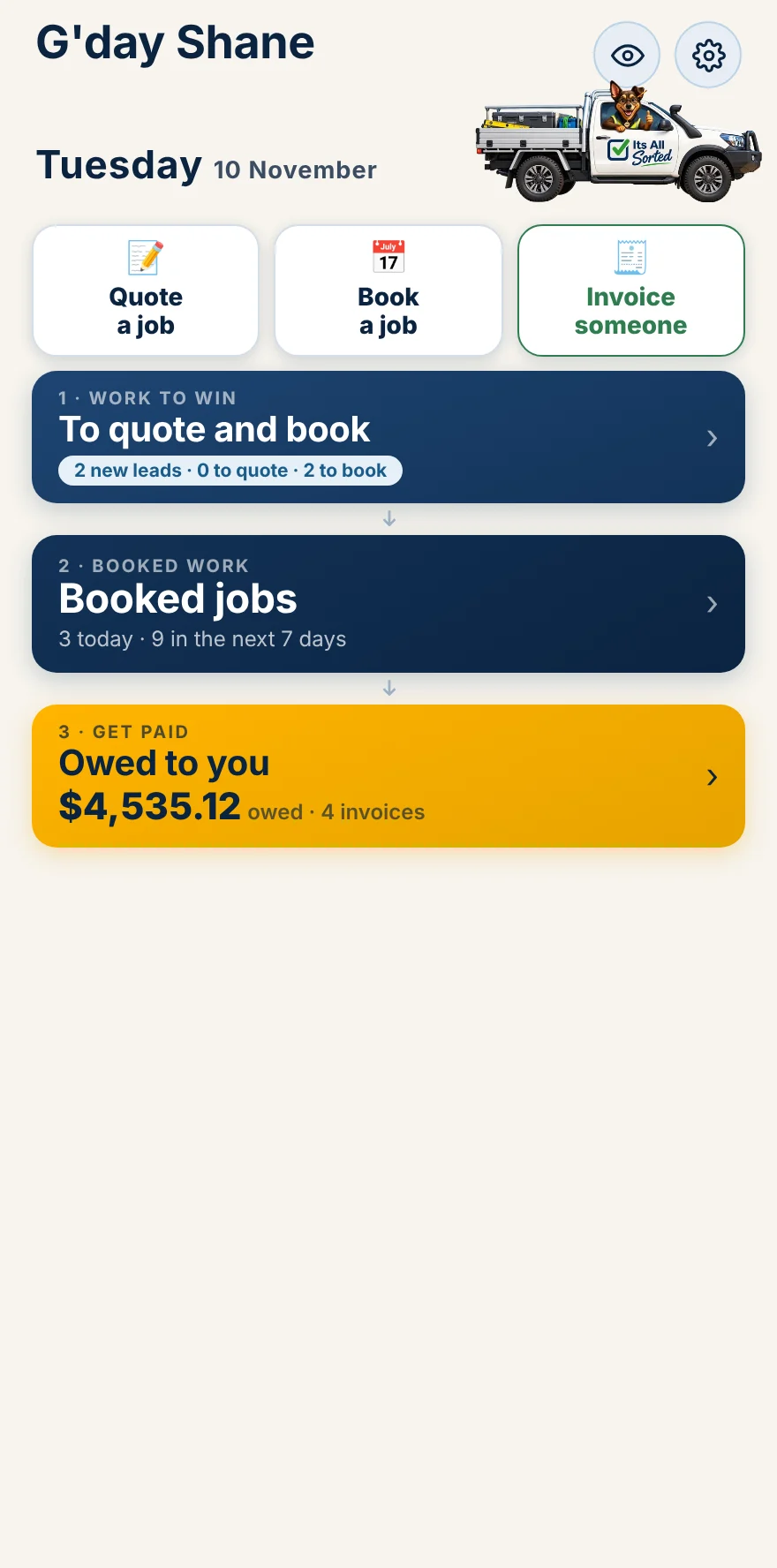
Pop in their name and number, or just say it. New enquiries sit at the top of your home screen so nobody slips through.
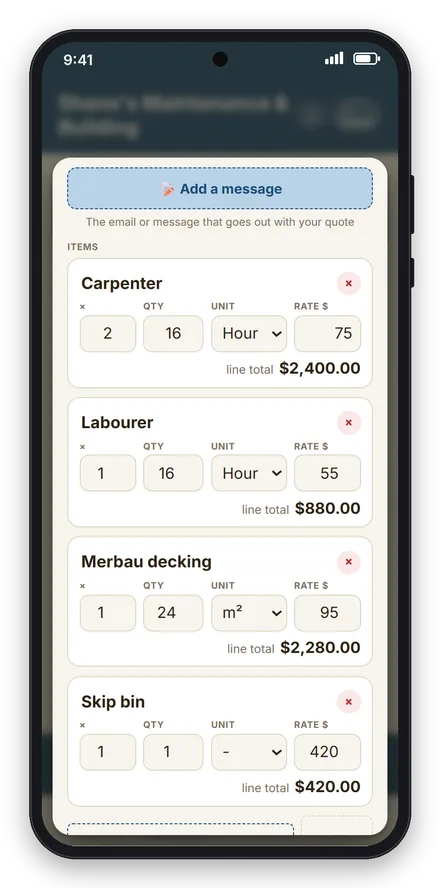
Type the lines, or tap Talk it in and say the job. Your usual rates fill in. Check it, send it, and they say yes from the link.
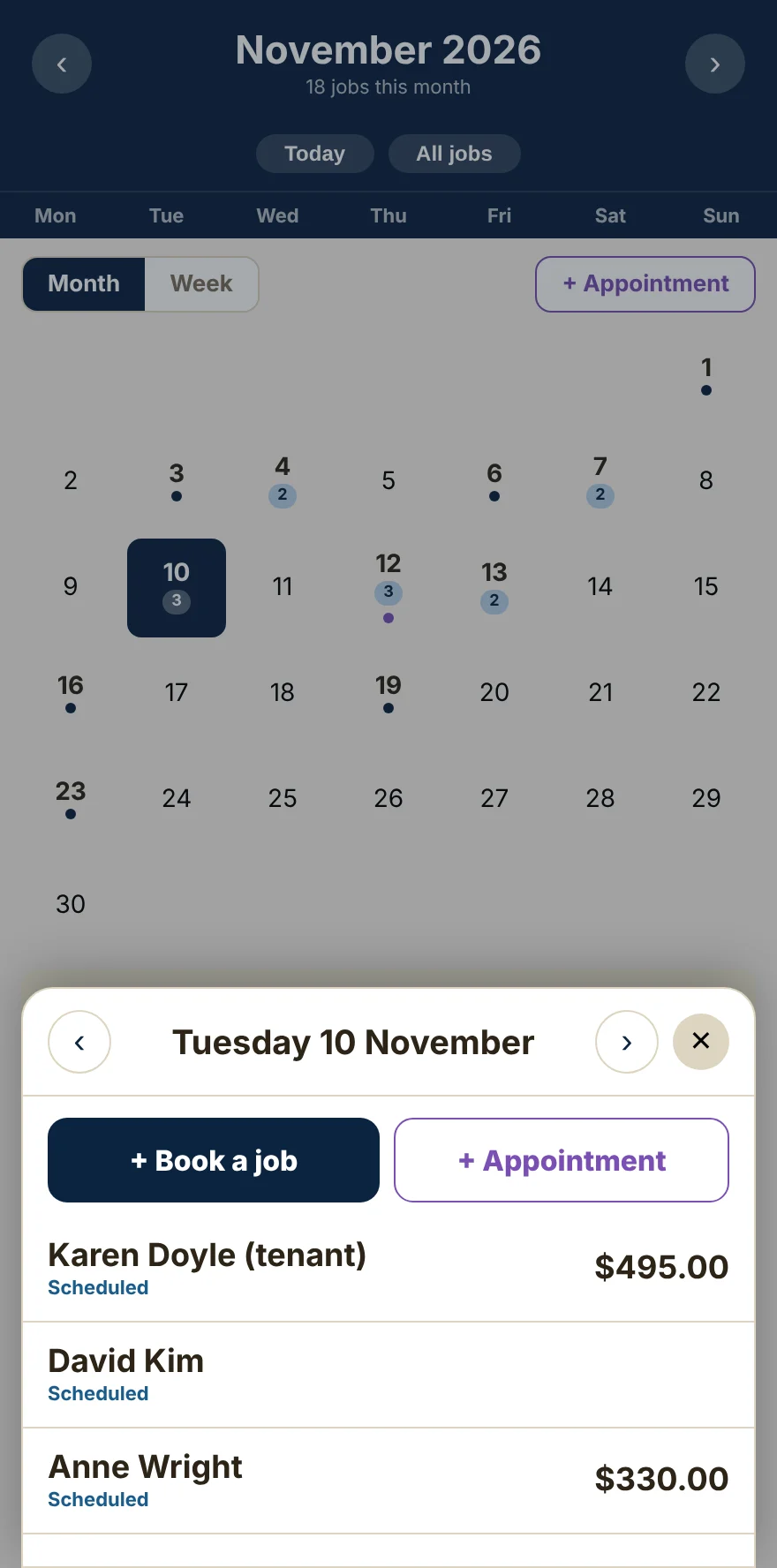
Once they say yes, pick a day. It goes straight in your calendar, and tapping any day shows who you’re seeing and what it’s worth.
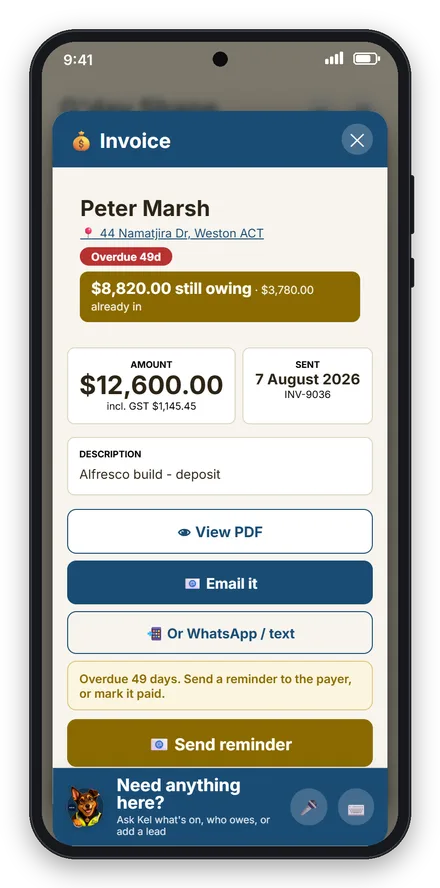
Tap Mark it done, then Invoice it now. Everything comes across from the quote, so it’s two taps and it’s sent.
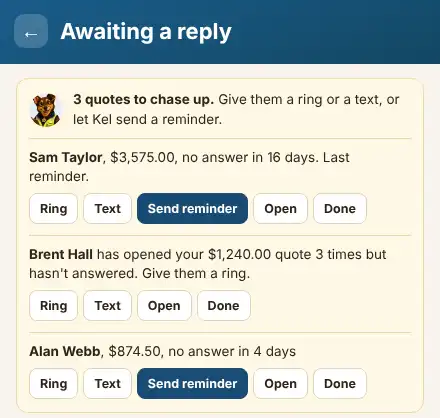
See who owes you at a glance. One tap sends a polite reminder. When the money lands, mark it paid and it comes off the list.
Screens are from a demo business. Your own name and logo show in yours.
Two boxes to start. No card. Then $29.95 a month, cancel any time.